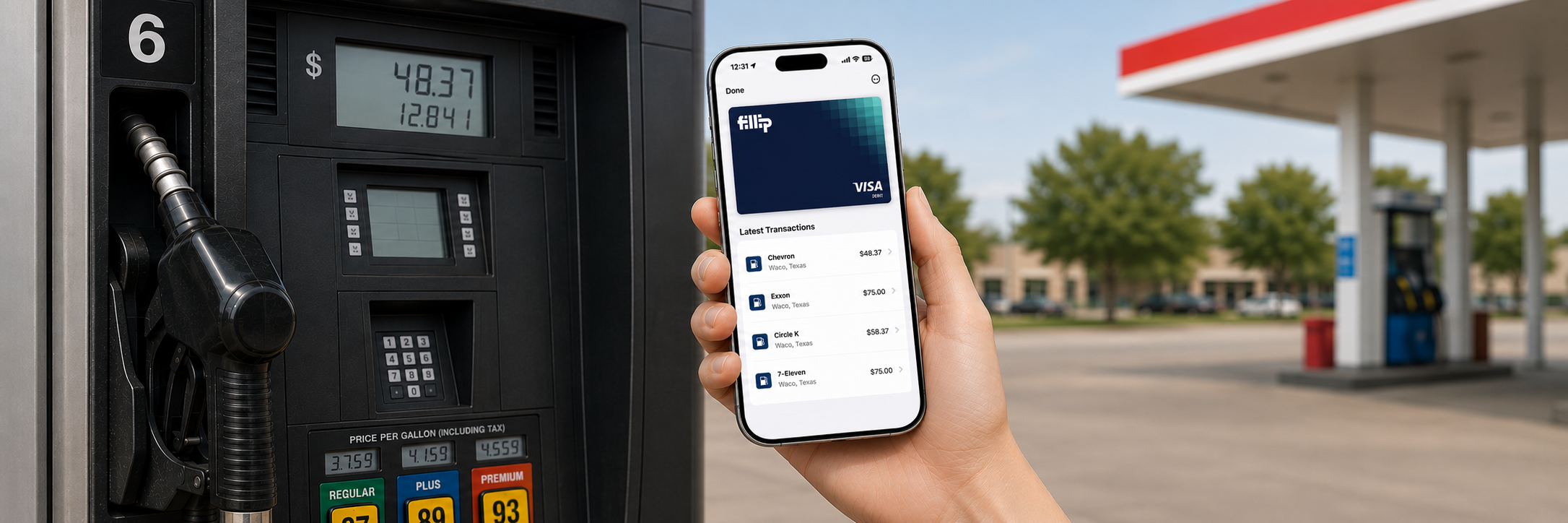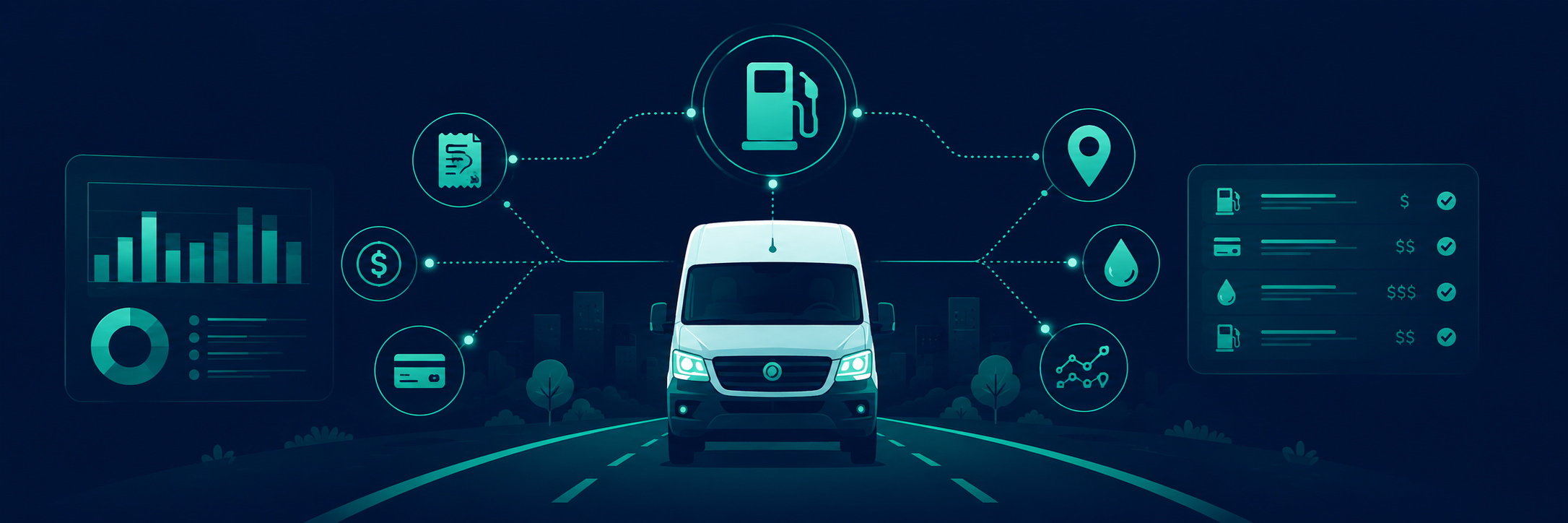
Most fleets run telematics and fuel cards as separate systems that describe the same event in two different languages. Telematics knows where a vehicle went, how far, how long it idled, and how much fuel sat in the tank. The fuel card knows a dollar amount, a merchant, and a timestamp. They record the same stop at the same station, yet they rarely talk to each other.
That silence is the gap. One side holds the physical record of fuel in liters, kilometers, and engine hours, while the other holds the financial record in transactions and receipts. The fleet manager is left to reconcile the two by hand, recalling which vehicle was where and judging whether each charge is legitimate. Fuel typically accounts for a quarter to a third of operating costs, which makes that manual check the only real safeguard on the fleet's largest expense.
How telematics and fuel cards work together
Consider a single transaction. A driver's card is charged for sixty liters of fuel on a Tuesday afternoon, and the amount looks ordinary enough to be approved without scrutiny. The problem appears only later: the assigned vehicle has a fifty liter tank, and telematics places it twenty kilometers from the station at the time of the purchase. By the time those two facts are connected, the fuel is long gone and there is little left to investigate.
Whether the card is physical or digital, closing the gap comes down to putting both records in one place and letting them check each other. A telematics integration pulls the telematics fleet data into the fuel card platform automatically, with no exports or spreadsheets to maintain. Every purchase is then tied to the vehicle that was actually at the station, and the volume bought is measured against the tank it went into and the fuel that vehicle has recently used. Routine fill-ups reconcile on their own, while anything that does not add up is flagged for review.
Why bringing fuel and transaction data into your telematics platform matters
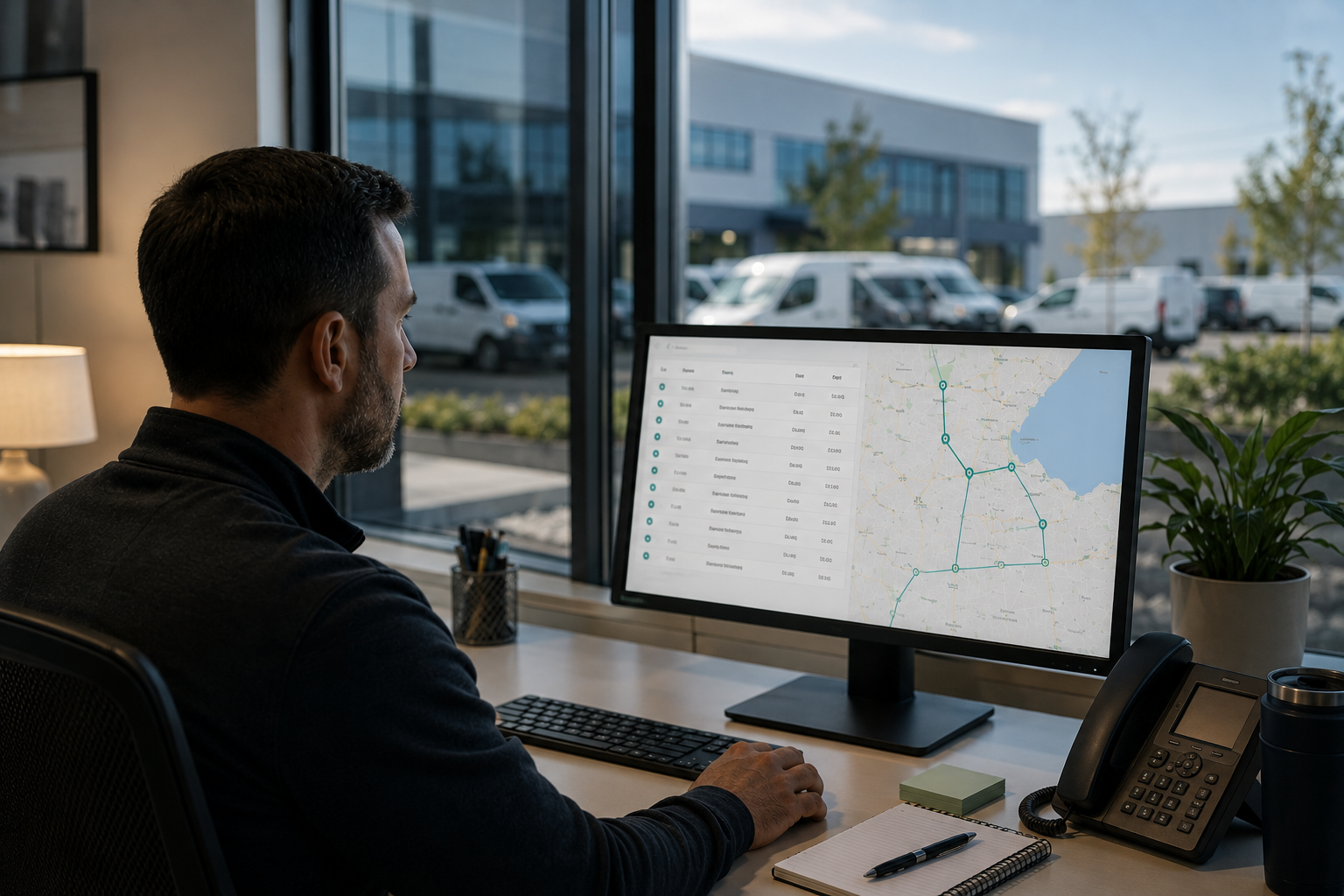
Many fleets already live inside their telematics platform. Dispatchers, operations managers, and fleet administrators use it daily to monitor vehicles, routes, utilization, maintenance, and driver activity. When fuel transactions are pushed into that same environment, fuel stops being a separate report that someone has to remember to check. Instead, spending becomes another layer of fleet data that can be viewed alongside vehicle location, mileage, engine hours, and driver activity. A manager investigating an unusually high fuel bill can immediately see whether the vehicle was on route, how far it traveled, how long it idled, and whether consumption aligns with actual usage. Bringing transaction data into your telematics platform creates a single source of truth for both operations and spending, giving fleet teams more context, faster answers, and less time switching between systems to understand what happened on the road.
Where it reduces waste
Once fuel and vehicle data sit together, waste stops being a guess. Idling is the clearest case, because telematics logs how long an engine ran while stationary, and that time multiplied by burn rate and fuel price is a hard dollar figure. Because the system also reads odometer and engine data, you can track real fuel economy for each vehicle and driver, and a steady drop usually points to one of two things: a heavy right foot worth coaching, or a maintenance issue such as low tire pressure or a failing sensor that quietly raises consumption.
The same data catches spending that adds up quietly over a year, such as fueling far off an assigned route, premium grade in a vehicle that only needs regular, and repeated small top ups that signal poor trip planning. None of it is dramatic on its own, but across a fleet it bleeds the budget. Seeing it plainly lets a manager fix the pattern without micromanaging drivers.

Where it strengthens compliance
Compliance usually becomes a problem at the worst time - during an audit or against a tax deadline. Fuel tax reporting across jurisdictions, such as IFTA filings for fleets that cross state or provincial lines, along with expense deductions and spending policies, all depend on proving what was bought, by whom, and for which vehicle. When that proof lives in loose receipts and memory, deductions go unclaimed and audits turn into reconstruction work.
A connected system builds the record as it goes. Every transaction arrives with its receipt, vehicle, location, and mileage attached, so the documentation is complete the moment a purchase clears. Per driver limits and category controls are enforced at the point of sale, not reviewed after the fact. When an accountant, an auditor, or the owner asks a question, the answer is already on file.
Where it catches irregular transactions sooner
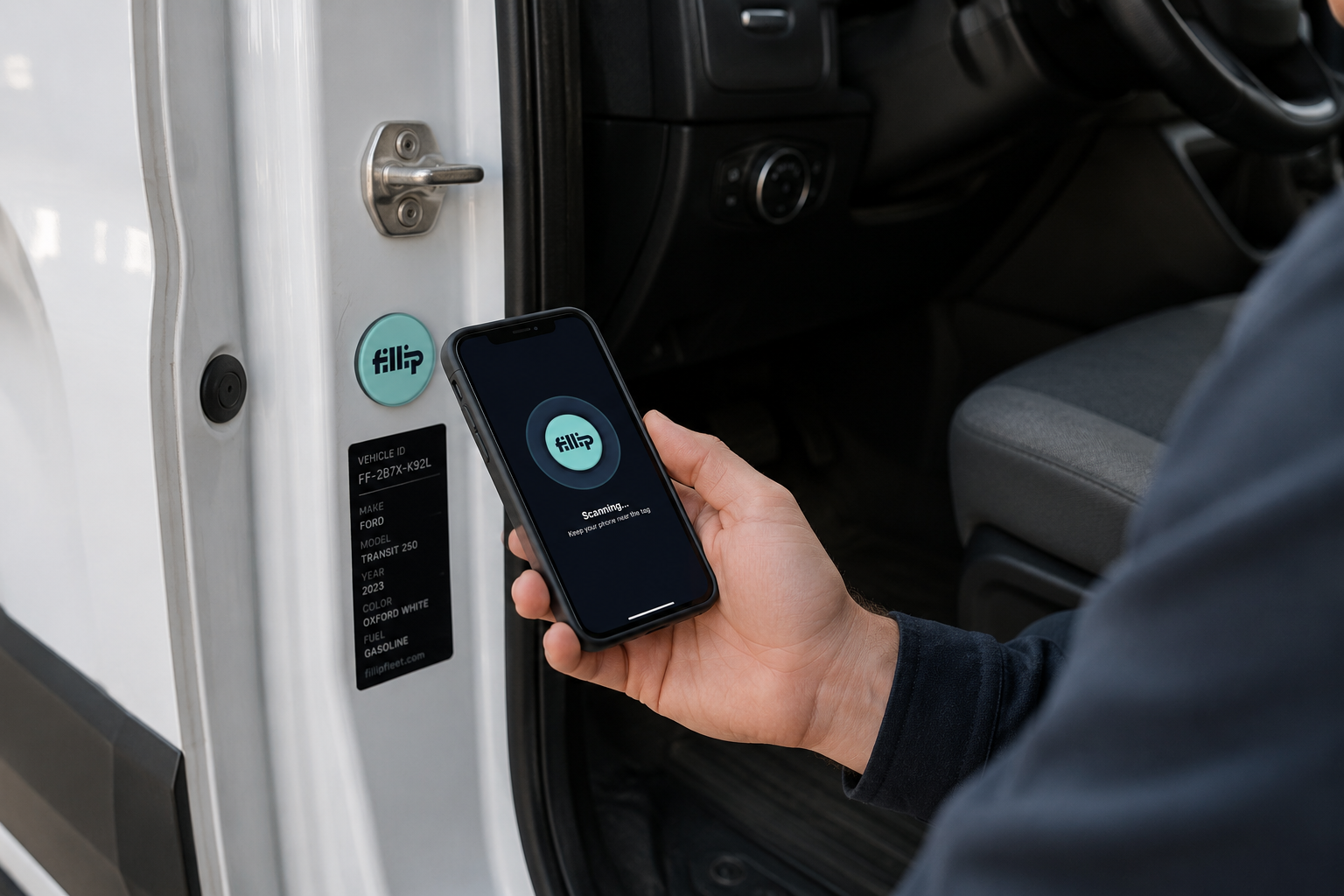
The same matching that clears routine purchases also exposes problems. A fill over tank capacity, a charge where the vehicle was not present, two fills minutes apart, or a mismatched grade are all warning signs of fuel card fraud that slip past a monthly statement but trigger an alert against live vehicle data, early enough for a manager to pause the card or tighten a limit. Vehicle tags go further, asking the driver to confirm the right vehicle at the pump so verification happens at purchase, not in a later review.
How to get started with telematics and fuel card integration
Putting this in place is not a big project. If you already run telematics, the groundwork is done, and what remains is connecting your fuel spend and setting a few rules. Here is the order most fleets follow.
- Confirm your telematics provider is supported. Fillip connects with Geotab, Samsara, and Powerfleet, so start by checking which one your vehicles run on.
- Connect the integration. A single sync imports your fleet, vehicle and driver data into Fillip.
- Set spending rules that fit how you operate. Per driver limits, allowed days and times, and approved categories let the card enforce policy at the point of purchase.
- Assign a card to every driver. This is what lets the system match a purchase to the driver and the vehicle they were fueling at the pump.
- Add vehicle tags for verification at the pump. Asking the driver to confirm the right vehicle closes one of the most common gaps before a transaction clears.
- Turn on the alerts that matter most. Begin with the high value flags, such as a fill over tank capacity, low fuel economy, and fuel grade mismatch.
- Review exceptions on a set cadence. A short, regular slot to clear the flagged list keeps oversight steady without scanning every line.
Start by running the integration for one billing cycle, then read the exceptions and reports it produces on its own. That first cycle usually surfaces a pattern or two worth acting on, whether it is idling, off route fuelling, or a card that needs tighter rules. From there you tune your limits and alerts from what you find rather than guessing up front.
See it work on your own fleet
If you want to close the gap between where fuel went and what was spent, take a closer look at how Fillip connects telematics and fuel cards for your operation. There is no credit check to open an account, so you can link your telematics and start reconciling fuel spend without a long onboarding. To learn more about what this would look like for your fleet, get in touch with the Fillip team.
%20(2).png)